

meta data for this page
Activate Sound on each Shot
- In SmartPLT Live press the key combination: Alt+Strg+P
- This openes the ALS-Console Window like you see in this picture:
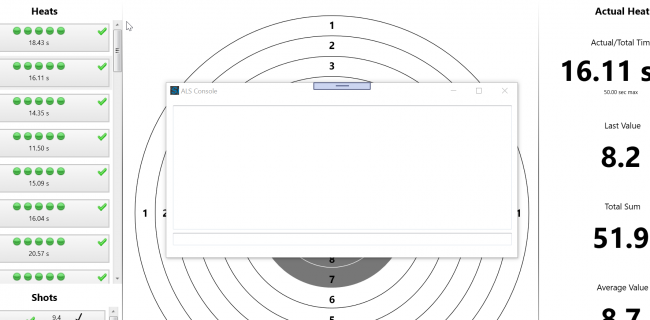
- In the Text-Field at the bottom of this window type in (do not copy the command, you have to type it in manually):
SET shot_sound=on
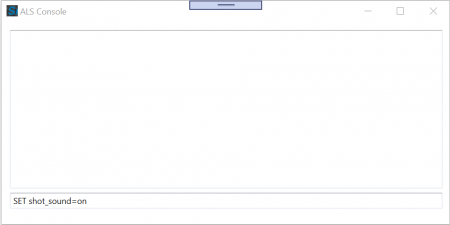
- Press enter:

if sucessful the software prints a respond “> ok value set” on the screen. - Close the Window
- Now the Sound feature is activated.
Deactivate the Sound Feature:
Do the same steps but in step 3 type in: SET shot_sound=off